Top AI Tools for Creators in 2026: Design, Video and Content Made Easy
Table of Contents
Last Updated on May 24, 2026
The creator economy in 2026 runs on AI. Not because creativity has been replaced, but because the gap between having an idea and producing polished output has collapsed. What used to take a full production team scripting, designing, recording, editing, publishing can now be handled by a single creator with the right set of tools and a clear workflow. This guide covers the best AI tools for creators in 2026 across every discipline: design, video, writing, audio, and brand building. For each tool you will find honest information about what it actually does well, what it does not, who it is best for, and what it costs. No fluff, no filler.
What Has Changed for Creators in 2026
The shift from 2024 to 2026 has been significant. Three changes matter most for creators. First, quality has caught up with speed. Early AI-generated images, videos, and writing were obvious and easy to spot. In 2026 the output quality of leading tools is genuinely competitive with professional human work, provided the creator knows how to prompt and direct them. Second, tools now work together. The best creator stacks in 2026 are connected workflows where the output of one tool feeds directly into the next. A script written in ChatGPT flows into ElevenLabs for voiceover, then into Runway for video assembly, then into Descript for final editing. This kind of end-to-end AI production was not practical two years ago. Third, the barrier to entry has dropped dramatically. You no longer need design skills to produce professional-looking brand assets, video editing skills to produce polished reels, or a recording studio to produce high-quality audio. The tools handle the technical execution. Your job is the creative direction.
AI Tools for Visual Creators and Designers
Midjourney remains the top choice for creators who need high-quality artistic images in 2026. Its outputs have a distinctive aesthetic quality that makes it the preferred tool for editorial visuals, YouTube thumbnails, social media content, concept art, and brand mood boards. You interact with it through Discord or its web interface by typing descriptive prompts. The results are consistently impressive for stylised, illustrative, and editorial content. It struggles with photorealistic human faces and text inside images. Plans start at $10 per month with no free tier.
Adobe Firefly is the better choice when you need images that are commercially safe and photorealistic. Because Firefly is trained exclusively on licensed Adobe Stock content, every image it generates is cleared for commercial use with no copyright ambiguity. It integrates directly into Photoshop and Illustrator, making it seamless for existing Adobe users. The generative fill feature, which lets you extend or replace parts of existing images with AI, is one of the most practically useful tools available to designers in 2026. Included in Adobe Creative Cloud subscriptions with a limited free tier available.
Canva AI is the right tool for creators who are not professional designers but need to produce consistently good-looking content at volume. The Magic Resize feature automatically reformats any design for different platforms. Magic Write generates copy for social posts, presentations, and marketing materials. The text-to-image tool generates visuals you can drop straight into your designs. For social media managers, content marketers, and non-technical creators, Canva AI covers 80 percent of design needs without requiring any design knowledge. Free plan available, Canva Pro is $15 per month.
Looka specialises in brand identity. If you are launching a new project, channel, or business and need a logo, colour palette, typography system, and brand guidelines, Looka generates a complete brand kit from a short questionnaire about your style preferences and industry. The quality is not at agency level but it is significantly better than trying to design from scratch without design skills. One-time brand kit purchase from $65.
Kittl is specifically strong for creators who produce merchandise, print designs, vintage-style graphics, or apparel artwork. Its template library and AI generation tools are optimised for decorative, typographic, and vintage aesthetics that are popular on print-on-demand platforms like Redbubble, Merch by Amazon, and Printful. Free plan available, paid plans from $10 per month.
AI Tools for Video Creators
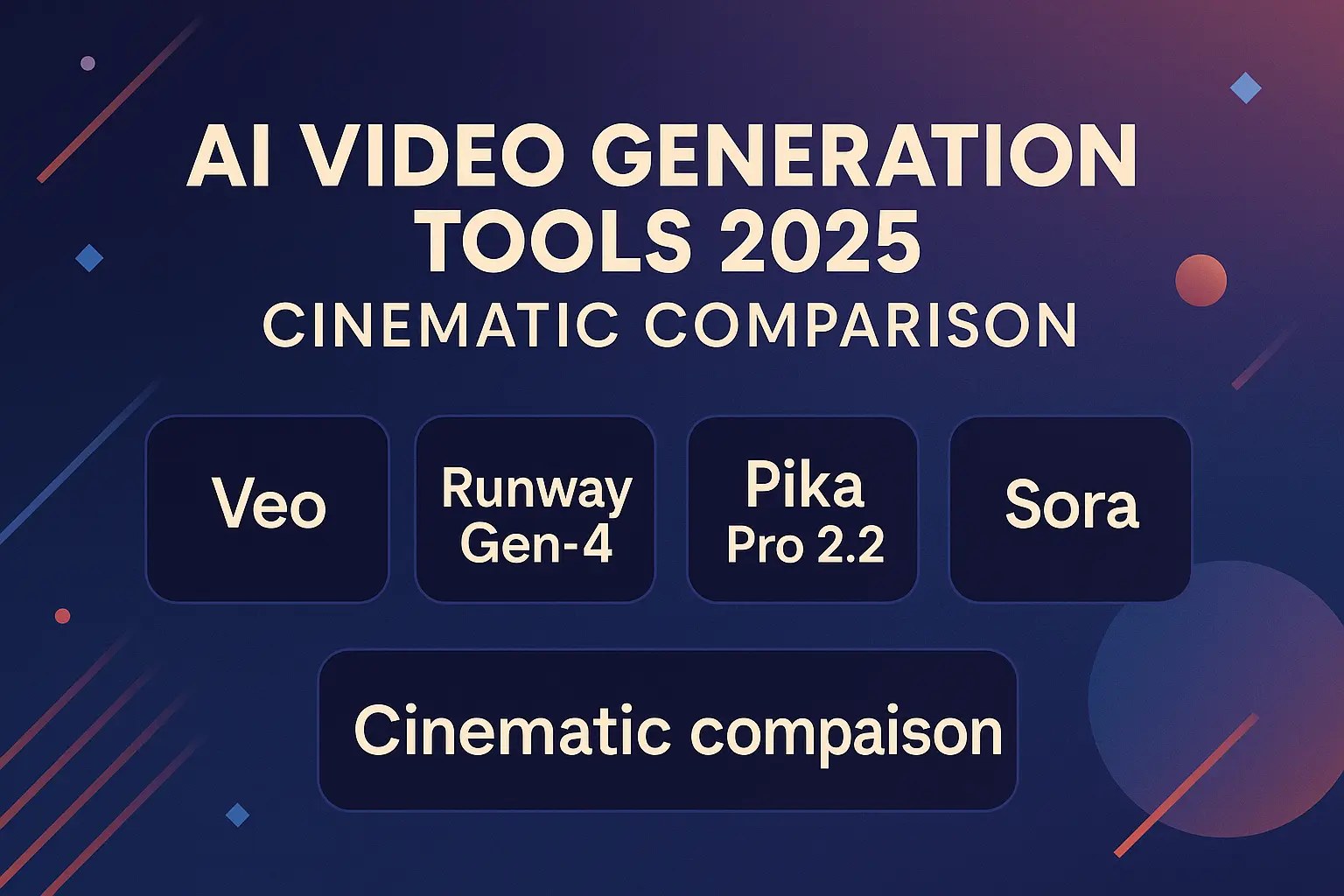
Google Veo 3 is the most impressive text-to-video tool available to creators in 2026. Given a detailed text prompt, it generates short video clips with realistic motion, ambient sound, and cinematic quality. For creators who produce explainer content, social reels, YouTube intros, or ad creatives, Veo 3 can generate b-roll footage and visual segments that would otherwise require a camera, lighting, and a location shoot. Access is currently rolling out through Google’s AI ecosystem.
Runway ML is the tool for editing and transforming existing footage rather than generating from scratch. Its most used features are background removal from video without a green screen, motion brush which applies AI-generated movement to still images, and video-to-video style transfer which applies a new visual style to existing footage. It is also strong for extending short video clips when you need more duration than you captured. Free plan with limited credits, paid plans from $15 per month.
Descript treats video editing the way a word processor treats writing. It transcribes your video automatically, then lets you edit the video by editing the text transcript. Deleting a sentence from the transcript deletes that moment from the video. The overdub feature creates an AI voice clone of you so you can fix mistakes by typing the correction rather than re-recording. For solo creators who produce talking-head content, tutorials, or course videos, Descript removes the most painful parts of the editing process. Free plan available, Creator plan at $24 per month.
Pictory AI converts existing written content into video automatically. Paste in a blog post or script and Pictory selects relevant stock footage, adds captions, generates a voiceover, and produces a complete video ready to publish. The output quality depends heavily on the quality of the input script but it is genuinely useful for creators who want to repurpose written content into video format without starting from scratch. Plans from $25 per month.
HeyGen specialises in AI avatar videos. You can create a realistic digital avatar of yourself or choose from HeyGen’s library of AI presenters, then make it deliver any script you type with realistic lip-sync. The multi-language dubbing feature is particularly powerful: it can take an existing video of you speaking and dub it into over 40 languages with your voice and lip movements matching the new language. For creators building international audiences, this is a significant capability. Plans from $29 per month.
AI Tools for Content Writers and Bloggers
Claude by Anthropic is the best AI writing tool for long-form content in 2026. Its outputs read more naturally than most alternatives and it handles complex, nuanced topics with less tendency to produce generic or repetitive prose. For bloggers writing detailed guides, creators scripting long YouTube videos, or content marketers producing in-depth articles, Claude consistently produces better first drafts than other tools. Free tier at claude.ai, Claude Pro at $20 per month.
ChatGPT remains the most versatile writing tool available. It is excellent for brainstorming, generating variations of the same content for different platforms, writing email newsletters, creating social media captions, and producing short-form copy at speed. Most creators use ChatGPT for quick, high-volume tasks and Claude for longer, more complex pieces. Free tier available, ChatGPT Plus at $20 per month.
Jasper is built for creators and marketers who need to produce large volumes of branded content consistently. Its brand voice feature lets you train Jasper on your existing content so it matches your tone and style. It has templates for every common content format including YouTube scripts, email sequences, product descriptions, and social posts. More expensive than general-purpose tools but worth it for creators producing content professionally at scale. Plans from $49 per month.
Related reading: Top 10 Prompt Collections to Unlock the Power of AI
AI Tools for Audio and Podcast Creators
ElevenLabs produces the most realistic AI-generated voices in 2026. For creators who narrate blog posts, produce podcast episodes, create course content, or need voiceovers for videos, ElevenLabs generates professional-quality audio from any text in minutes. You can clone your own voice after a short recording sample, allowing you to generate audio in your voice without re-recording. The multi-language support means you can produce content in over 30 languages from a single English script. Free tier gives 10,000 characters per month, paid plans from $5 per month.
Adobe Podcast (Enhance Speech) fixes poor audio quality automatically. If you recorded a podcast episode or voiceover in a room with echo, background noise, or inconsistent levels, Enhance Speech cleans it up to studio quality in seconds. It is free to use and one of the most immediately useful tools for any creator who records audio without a professional setup.
Get the weekly AI digest
The best tool reviews, prompt collections and guides — straight to your inbox.
Descript also belongs in this category. Its audio editing tools are as strong as its video tools. For podcast creators specifically, the ability to edit by editing a transcript, remove filler words automatically, and fix mistakes with overdub makes it the most efficient audio production tool available.
How to Build Your Creator AI Stack in 2026
The most effective creator stacks combine three to five tools that each handle a specific part of the production process. Here are two practical configurations.
For a solo content creator producing written and visual content: Use Perplexity for research, Claude for writing first drafts, Canva AI for graphics and social visuals, and ElevenLabs if you want to produce audio versions of your content. Total cost around $35 to $45 per month depending on plans chosen.
For a video-first creator producing YouTube or social video: Use ChatGPT for scripting, ElevenLabs for voiceover if you produce faceless content, Veo 3 or Runway for footage generation and editing, and Descript for final assembly and captions. Total cost around $55 to $70 per month.
The key principle is that each tool in your stack should do one thing significantly better than the others. Avoid overlapping tools that do the same job. If you are paying for both Jasper and ChatGPT Plus for writing, you are almost certainly doubling up unnecessarily.
Common Mistakes Creators Make with AI Tools
Using AI output without editing it. The creators who get the best results from AI treat every output as a first draft. They add their voice, their perspective, their specific examples, and their style. The raw output is the starting point, not the finished product.
Ignoring copyright and licensing. AI-generated images, music, and video may have complex licensing implications depending on the tool and the plan you are on. Before using AI-generated content commercially, check the specific terms of the tool you used. Adobe Firefly is the safest for commercial use. Midjourney’s commercial rights depend on your subscription tier.
Picking tools based on hype rather than workflow fit. The best tool for another creator may be completely wrong for you. A YouTuber who produces talking-head content needs Descript. A graphic designer producing print assets needs Kittl or Firefly. Always evaluate tools based on your specific production workflow.
Trying to automate creative judgment. AI is excellent at execution. It is poor at strategic creative decisions. Use it to produce options and variations quickly, then apply your own creative judgment to choose and refine the best one.
Frequently Asked Questions
What is the best AI tool for creators just starting out in 2026? Canva AI is the best starting point. It is free to start, covers design, basic image generation, and social content creation, and has a very short learning curve. Once you are comfortable, add ChatGPT for writing and ElevenLabs if you need audio.
Can AI tools replace a professional designer or video editor? For many standard content creation tasks, yes. For high-end brand identity work, broadcast-quality video production, or projects requiring deep creative strategy, no. AI tools raise the ceiling for what a solo creator can produce, but a skilled professional still produces better results on complex, high-stakes projects.
How much should a creator budget for AI tools per month? A capable starter stack costs $0 to $20 per month using free tiers. A professional creator stack covering writing, design, video, and audio costs between $50 and $100 per month. Most creators find that the time saved more than justifies the cost within the first month.
Is AI-generated content acceptable for monetised YouTube channels? Yes, provided it meets YouTube’s content policies and disclosure requirements. YouTube requires creators to disclose when content is AI-generated in certain categories. AI-assisted content, where a human creator uses AI as a production tool but maintains creative control, generally does not require disclosure.
Which AI tool produces the best images for YouTube thumbnails? Midjourney produces the highest quality artistic thumbnails. Adobe Firefly is better for photorealistic thumbnails featuring people. Canva AI is the fastest option if you need to iterate through many variations quickly.
Do AI tools work for creators in languages other than English? Most major tools support multiple languages. ElevenLabs supports over 30 languages for voice generation. ChatGPT and Claude both handle major world languages well. Midjourney understands prompts in most languages. Check specific language support before committing to any tool if you create primarily in a language other than English.
Final Thoughts
The creators who thrive in 2026 are not the ones who resist AI or the ones who let AI do everything. They are the ones who build smart, efficient production systems using AI for execution while keeping their creative vision, editorial judgment, and personal voice firmly in their own hands. Pick two or three tools from this guide that match your primary content format. Learn them properly. Build a repeatable workflow around them. Then expand from there. Follow PromptNest for weekly reviews of the latest creator tools, prompt strategies, and workflow guides.
Related reading:
Top AI Tools 2026: The Complete Guide to Productivity, Creativity and Monetization
How to Automate Tasks with AI Tools in 2026
AI Side Hustles 2026: 7 Realistic Ways to Make Money With AI